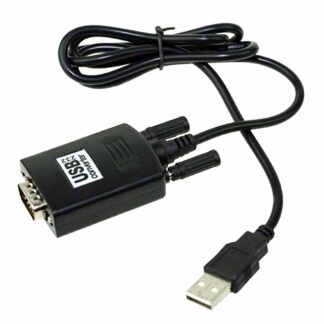
USB to 25 Pin Parallel Port Printer Converter Cable – High-Speed Printer Connection
The USB to 25 Pin Parallel Port Printer Converter Cable is a simple and reliable solution for connecting your computer to parallel port printers. Many printers still use the legacy 25-pin parallel interface, and modern computers often lack these ports. With this converter cable, you can easily connect your printer to a USB port without any need for complicated driver installations. This plug-and-play adapter makes printing fast, convenient, and efficient, whether in an office, home, or industrial environment.
Designed for compatibility and speed, this cable allows seamless bi-directional communication between your computer and parallel printers. It supports most printers, ensuring that your printing workflow remains uninterrupted.
Why Choose the USB to 25 Pin Parallel Port Printer Converter Cable?
The USB to 25 Pin Parallel Port Printer Converter Cable offers several advantages for users who still rely on legacy printers:
-
Plug-and-play design: No driver installation required for most operating systems.
-
Universal compatibility: Works with a wide range of printers and computers.
-
High-speed data transfer: Supports up to 12Mbps for fast printing.
-
Bi-directional communication: Sends and receives data efficiently.
-
Low power consumption: Operates without an external power adapter.
Whether you’re connecting an older printer in your office or a specialized industrial printer, this converter cable ensures reliable and high-speed performance.
Easy Installation and Setup
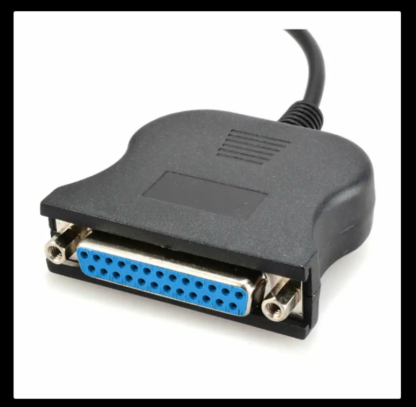
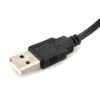
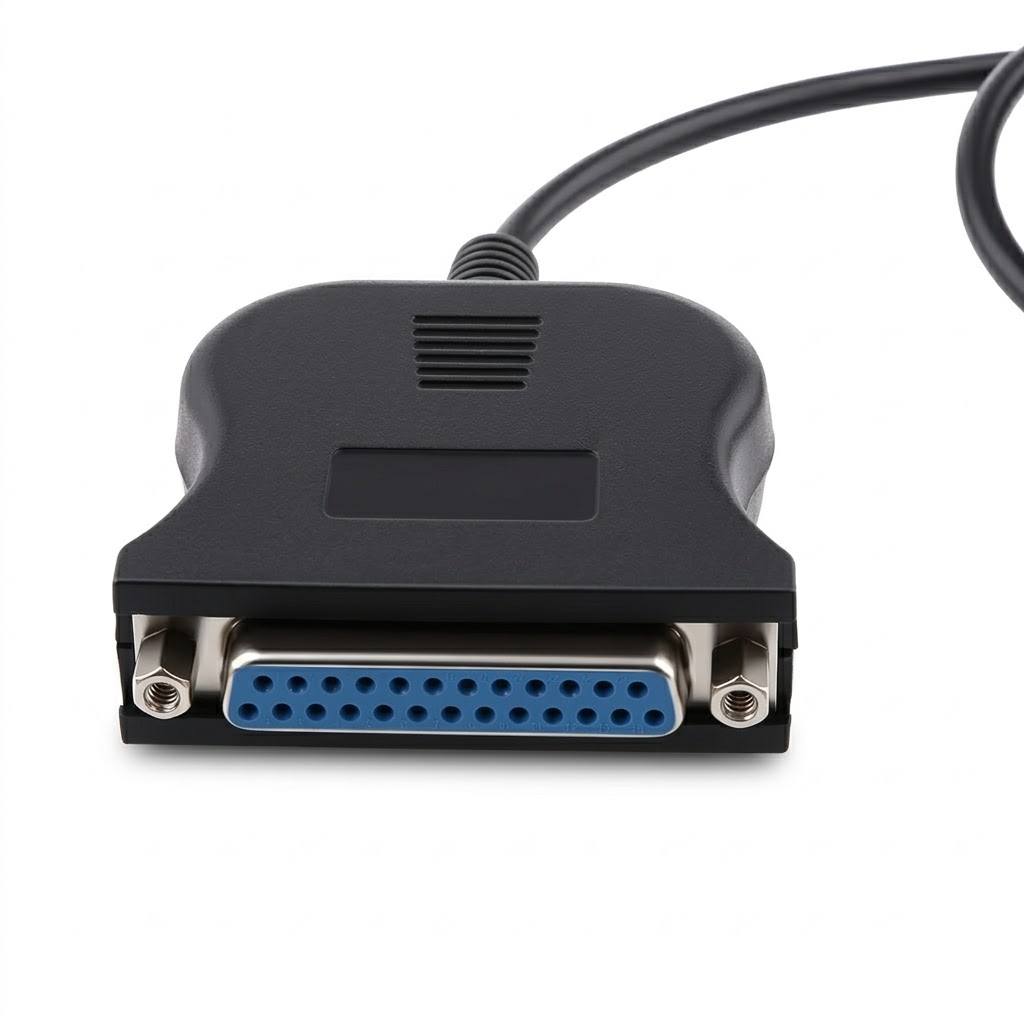
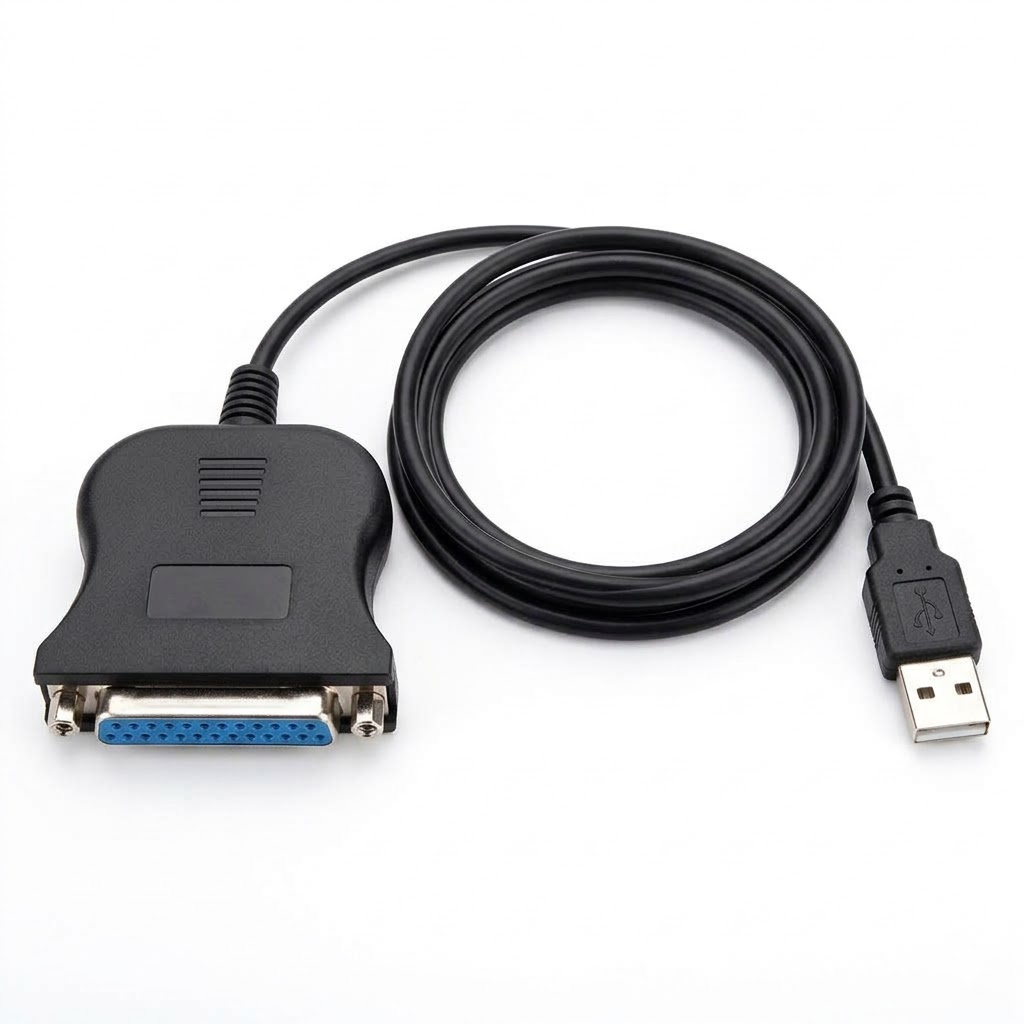
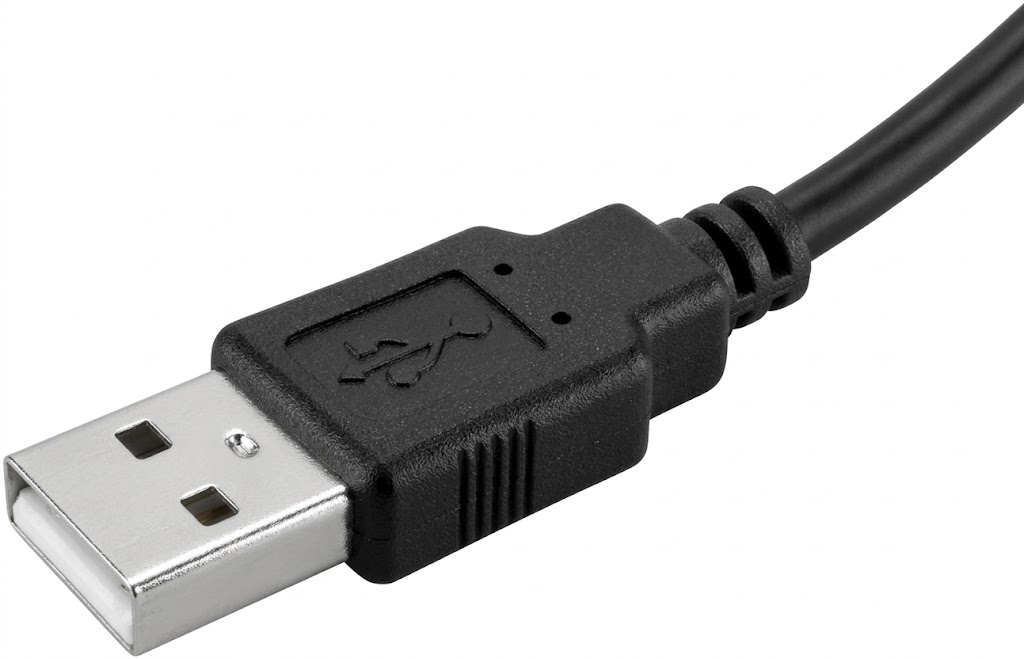
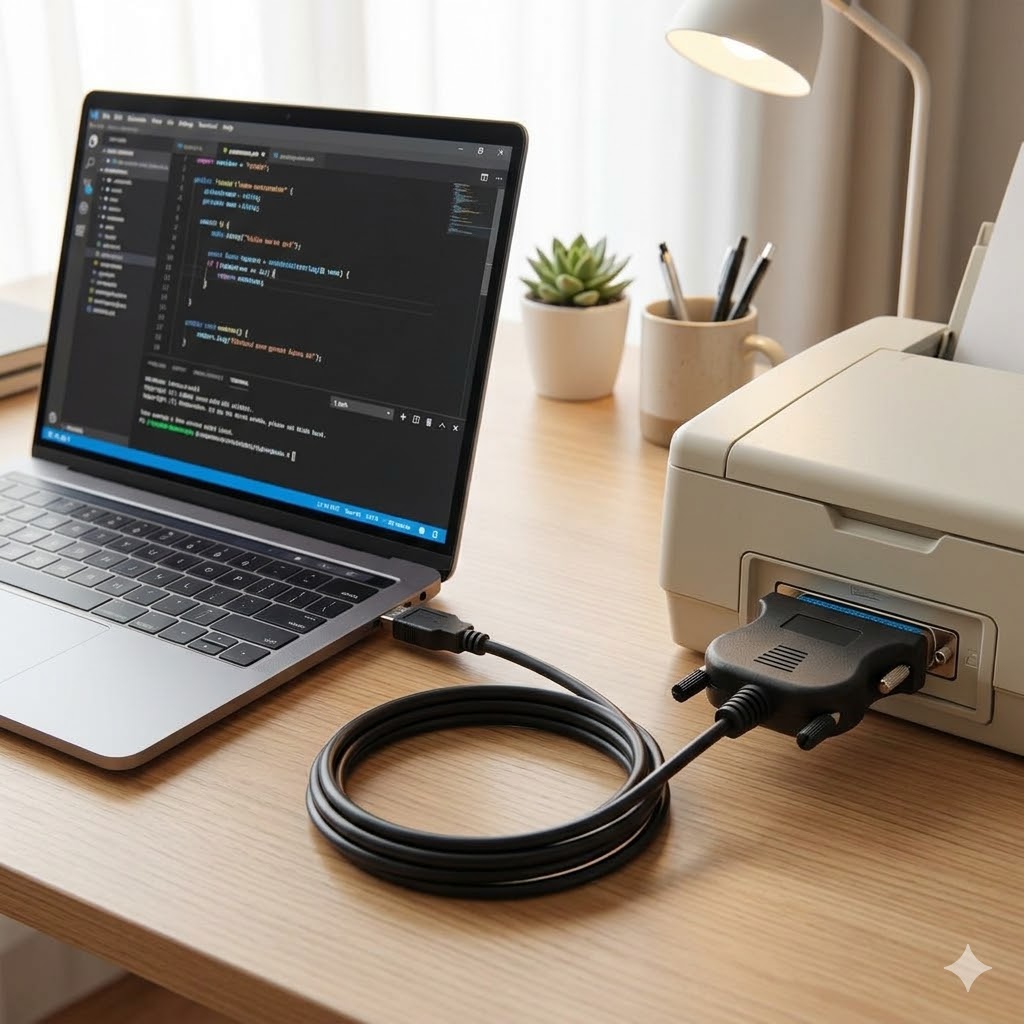
Installing the USB to 25 Pin Parallel Port Printer Converter Cable is effortless. Simply plug the USB end into your computer and connect the DB25 parallel end to your printer. The adapter works without any external drivers for most operating systems, making it suitable for users of all technical levels.
It is fully compliant with USB 1.1/2.0 standards and IEEE 1284 specifications, ensuring compatibility with modern USB ports and providing stable data communication. This makes setup fast, easy, and hassle-free.
High-Speed and Bi-Directional Printing
The USB to 25 Pin Parallel Port Printer Converter Cable supports high-speed data transfer up to 12Mbps, allowing quick and efficient printing even for large documents. Its bi-directional data transfer capability ensures smooth communication between your computer and printer, so commands, print jobs, and status messages are transmitted accurately.
This feature is particularly useful for industrial or professional environments where accurate data communication is essential.
Wide Compatibility
This cable supports a wide range of operating systems, including:
It works with most parallel port printers, ensuring that you can continue using legacy printers without replacing them. This makes it an economical and efficient solution for both personal and business needs.
Durable and Convenient Design
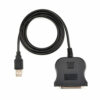
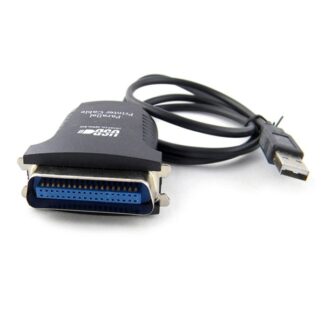
Made from high-quality PVC material, the USB to 25 Pin Parallel Port Printer Converter Cable is flexible, durable, and reliable. The cable length of approximately 87cm ensures easy connection between your computer and printer, even if the devices are not placed close together.
The black design of the cable is professional and fits in with any office or industrial setup. Its compact design and plug-and-play functionality make it highly portable and convenient for users who need to connect printers in multiple locations.
Technical Specifications
| Feature |
Specification |
| Material |
PVC |
| Cable Length |
87 cm |
| Port |
USB 2.0 to DB25 Parallel |
| Color |
Black |
| Data Transfer Rate |
Up to 12Mbps |
| USB Standard |
USB 1.1 / 2.0 |
| Parallel Standard |
IEEE 1284 |
| Compatibility |
Most Parallel Printers, Windows 98SE/2000/XP/Vista/7 (32/64bit) |
| Installation |
Plug & Play, No External Power Needed |
| Communication |
Bi-directional Data Transfer |
Package Includes
This single adapter is sufficient to connect your computer to almost any parallel port printer without requiring additional software or hardware.

Reviews
There are no reviews yet.