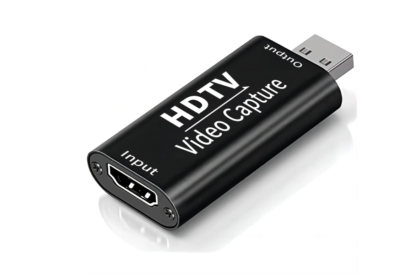
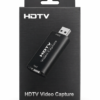
Ultimate HDTV Video Capture 2.0 – Seamless Full HD Recording & Streaming
Across India
Payment
Accepted
About this item
The HDTV Video Capture device records and streams Full HD video and audio from HDMI sources. Supports Windows, MacOS, and Android. Ideal for gaming, live streaming, teaching, and professional content creation. Plug-and-play, portable, and easy to use.
Product Description
HDTV Video Capture – Professional Full HD Recording and Streaming Device
The HDTV Video Capture device is a high-quality solution for anyone who wants to record or stream HD video and audio from HDMI sources. Whether you are a gamer, content creator, teacher, or professional, this device ensures smooth, vibrant, and professional-looking video with perfectly synchronized sound.
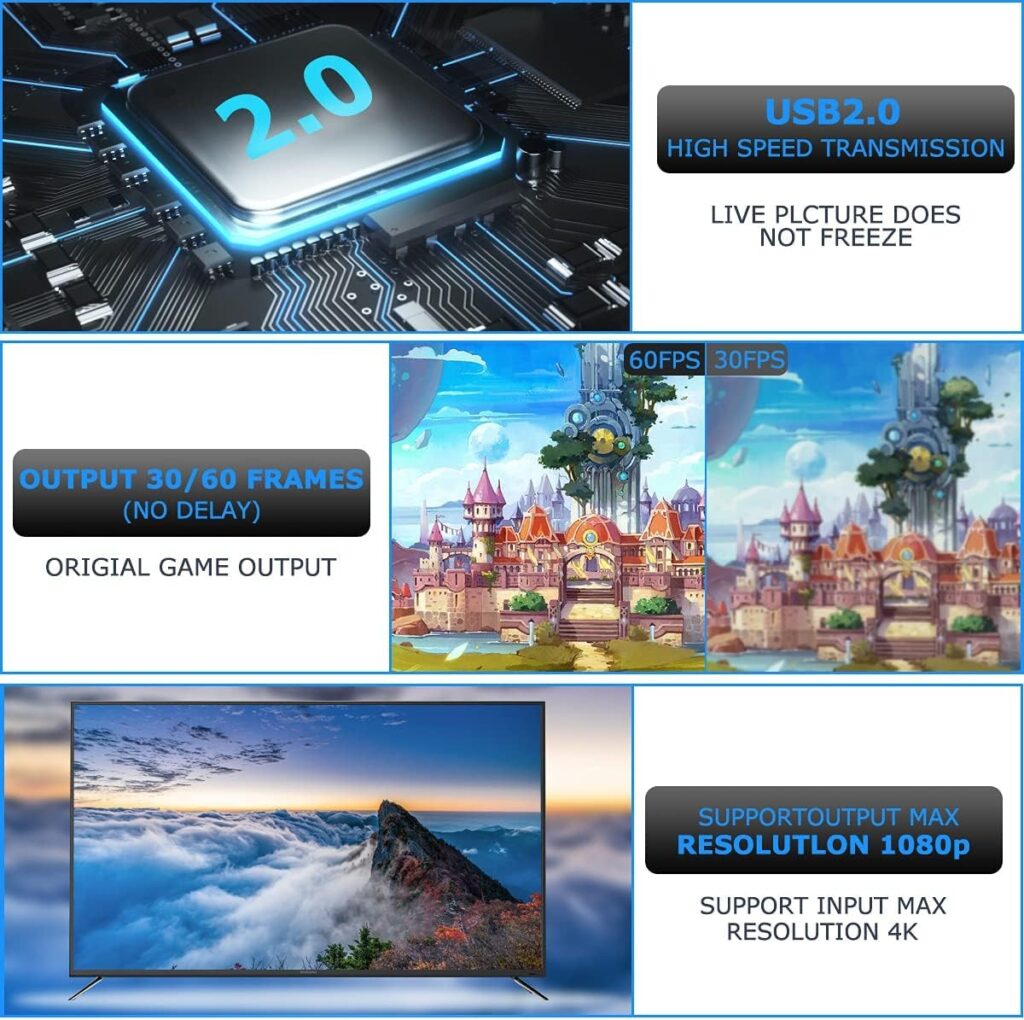
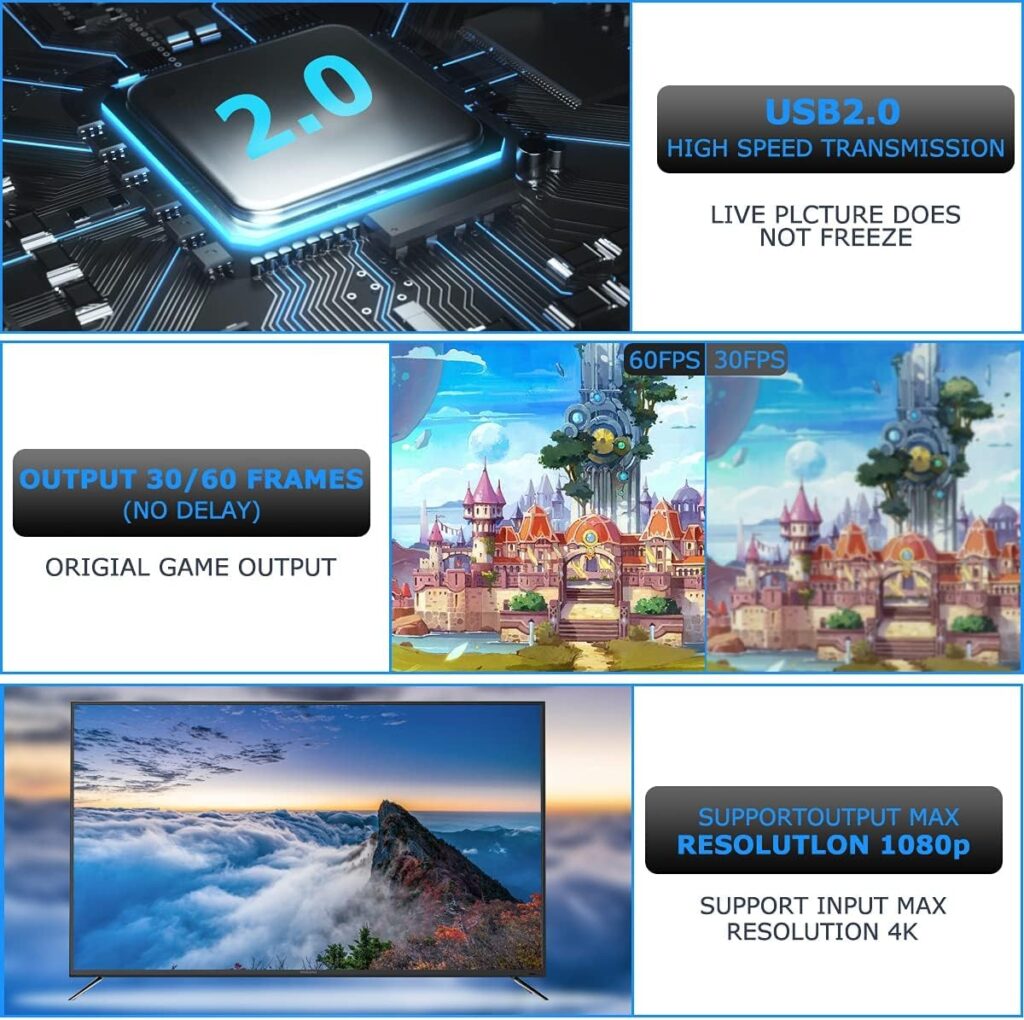
Supporting 1080P input and output and 8/10/12-bit deep color, this capture card delivers Full HD video with true-to-life colors, making it ideal for live streaming, recording tutorials, or creating professional content.
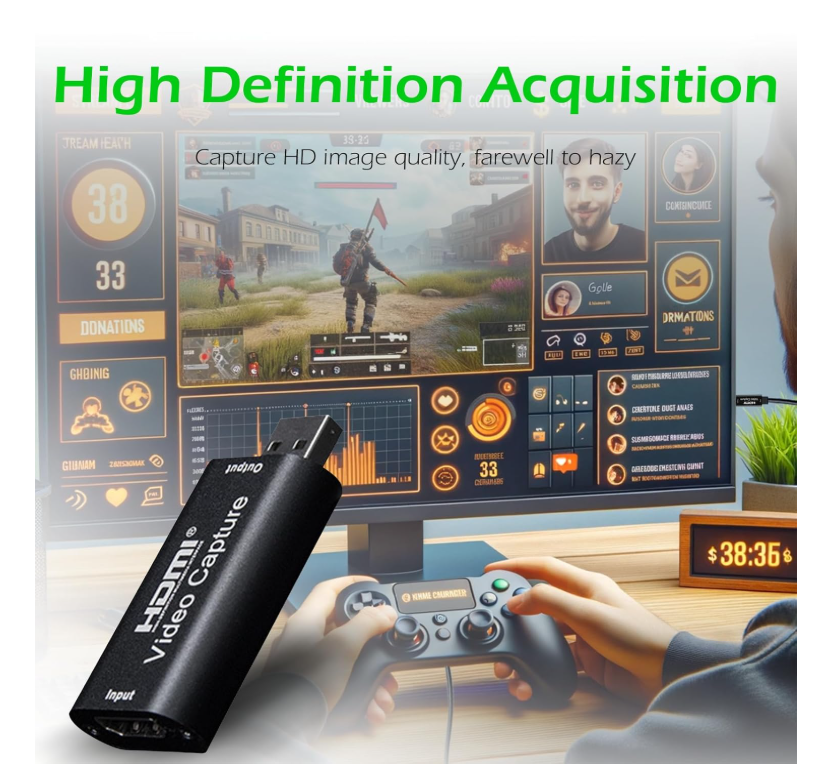
Key Features of HDTV Video Capture
- Full HD 1080P support for crisp, clear visuals.
-
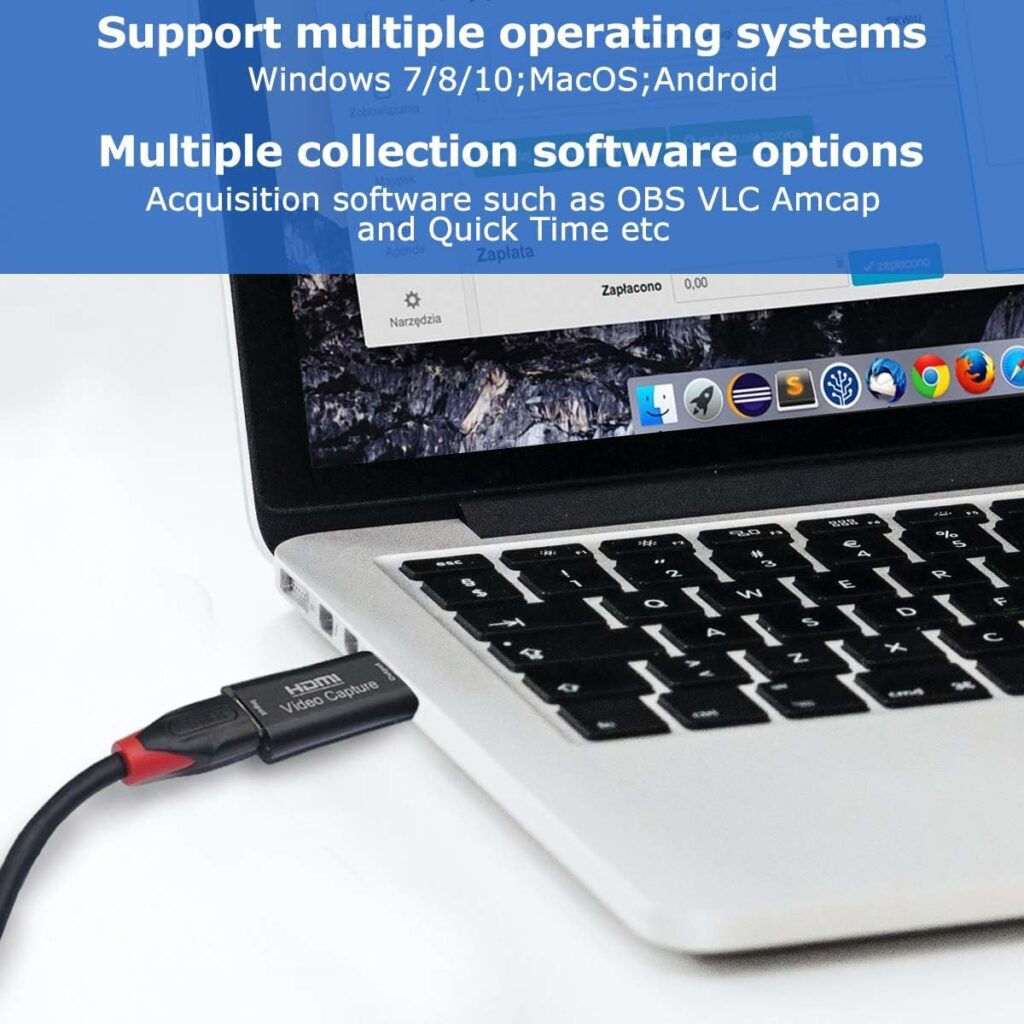
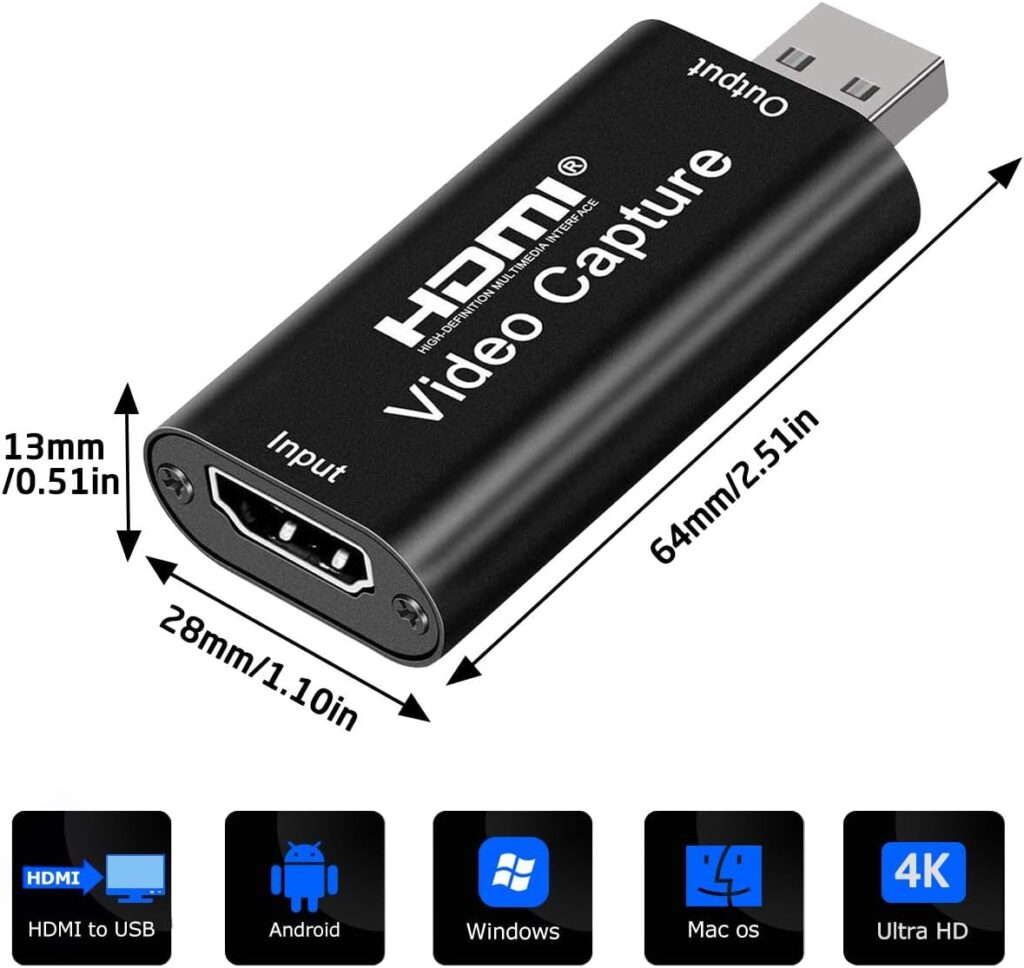
Compatibility with Windows, MacOS, and Android, offering flexibility for various setups.
-
Supports HDMI cables up to 15 meters for reliable connections.
-
Works with popular software like OBS Studio, VLC Media Player, and Amcap.
-
Plug-and-play installation with no drivers required.
-
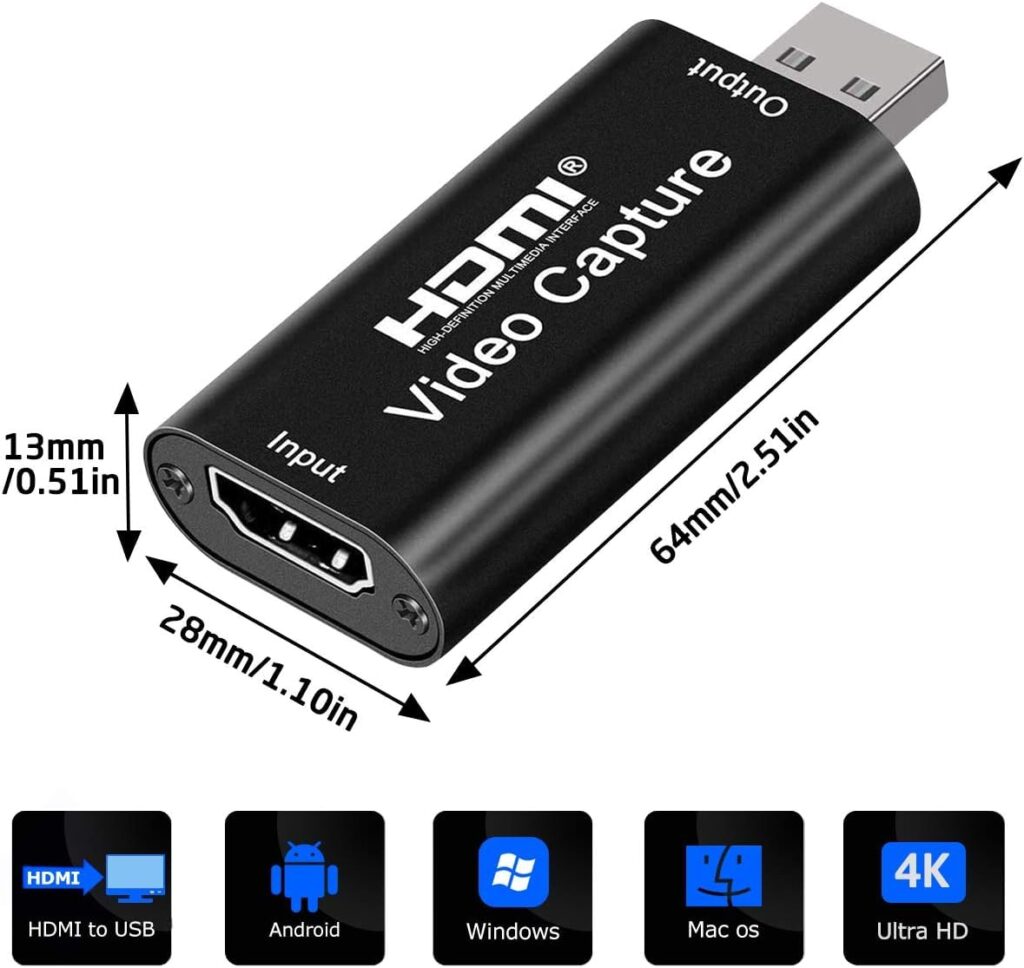
Compact, portable, and durable – perfect for studio, mobile, or field use.
Capture Video from Multiple Sources with HDTV Video Capture
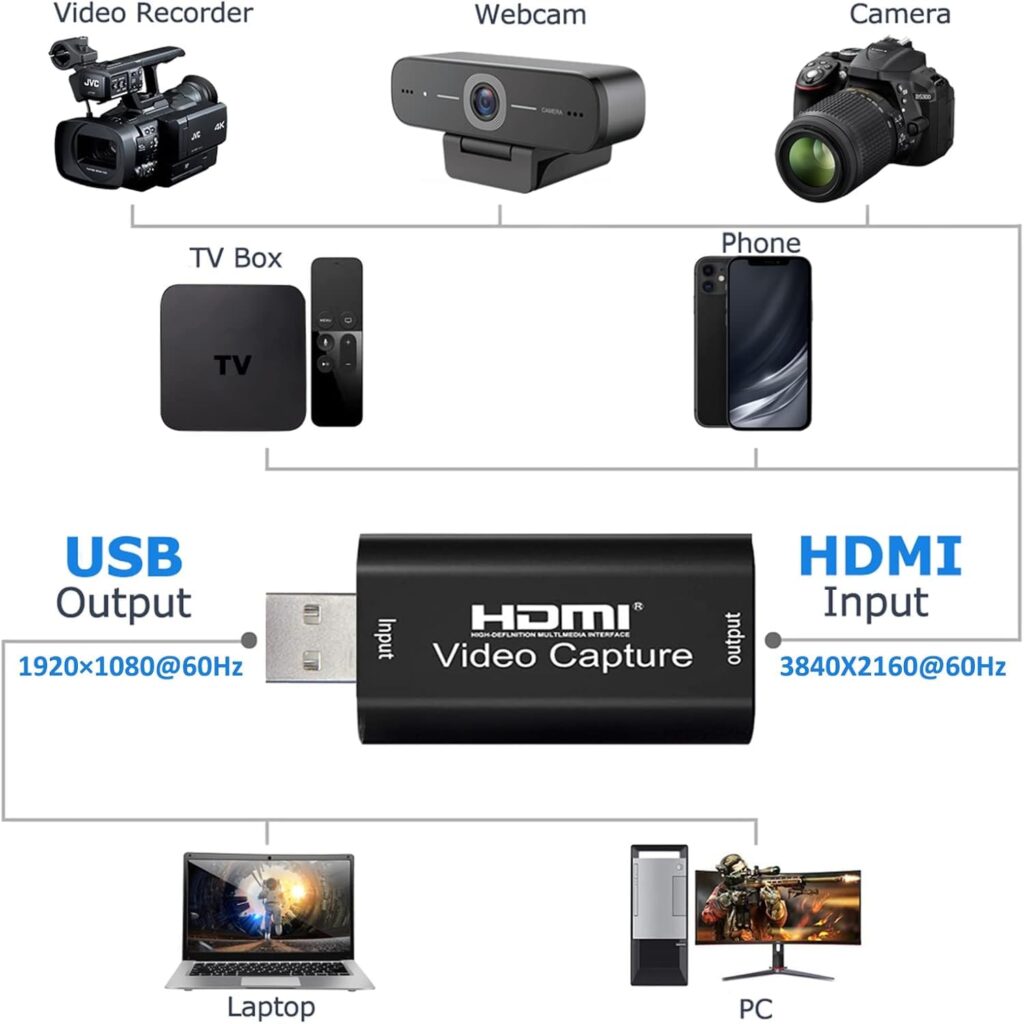
The HDTV Video Capture card works seamlessly with a wide variety of HDMI-enabled devices:
-
Laptops and desktops – Record software tutorials, webinars, and presentations.
-
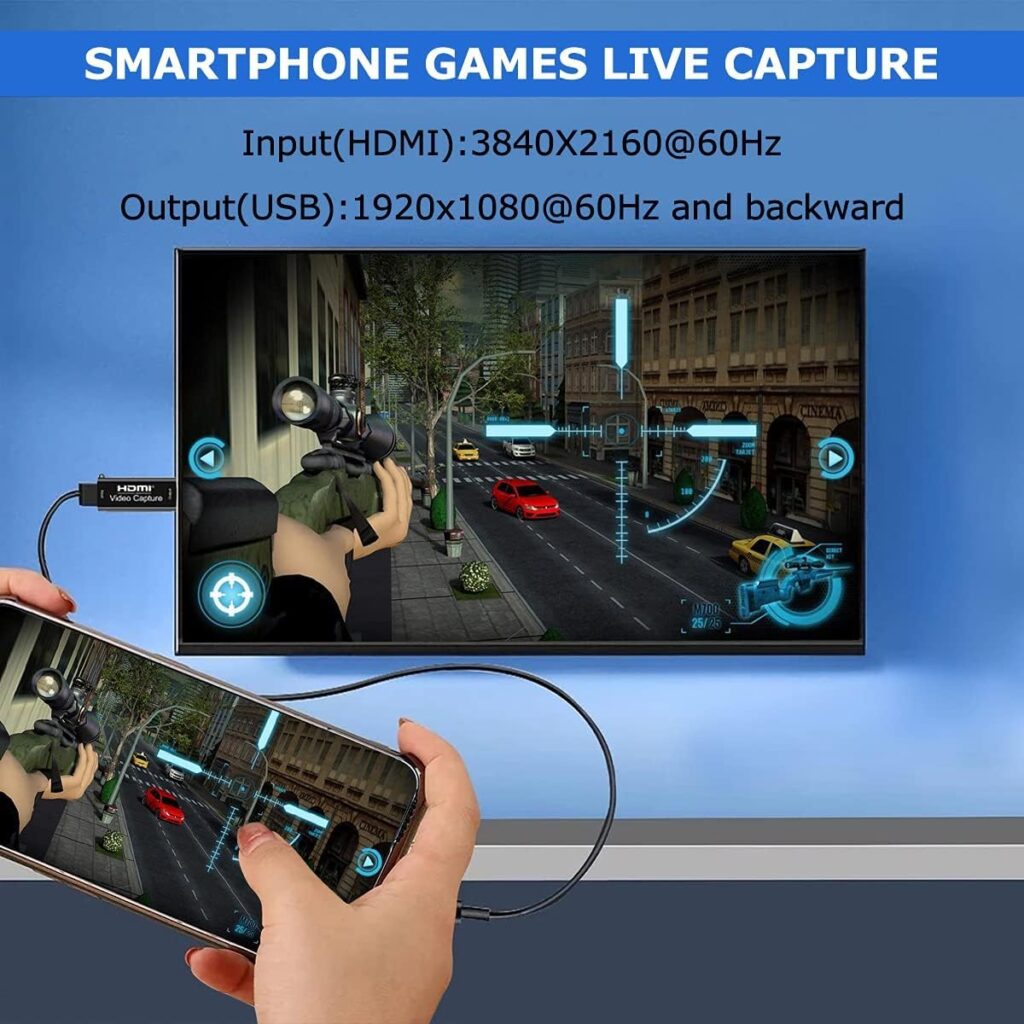
Gaming consoles – Capture gameplay from PS4, Xbox, or Nintendo Switch at full HD resolution.
-
HDTV tuners and set-top boxes – Record live TV programs, sports events, and movies.
-
Cameras and camcorders – Stream professional-quality video from DSLR, mirrorless cameras, or camcorders.
-
Streaming devices – Capture content from media players and other HDMI streaming gadgets.
This versatility makes it perfect for creating online courses, tutorials, live streaming events, or gaming content.
Full HD Video and Synchronized Audio with HDTV Video Capture
The device records 1080P video and L-PCM audio simultaneously, ensuring high-quality output with perfect synchronization. It is ideal for:
-
Recording gameplay for platforms like YouTube or Twitch.
-
Creating educational content and online tutorials with sharp visuals and clear audio.
-
Recording lectures, presentations, or live events professionally.
-
Archiving broadcasts or video conferences without losing quality.
With HDTV Video Capture, every frame is crisp, colors are vibrant, and audio is crystal clear.
Easy Plug-and-Play Installation
Using HDTV Video Capture is simple:
-
Connect your HDMI source to the capture card.
-
Plug the USB 3.0 connector into your Windows, Mac, or Android device.
-
Open your preferred software like OBS Studio, VLC, or Amcap.
-
Start recording or streaming immediately.
No drivers are required. The plug-and-play setup ensures even beginners can use it without hassle.
Compact and Portable Design
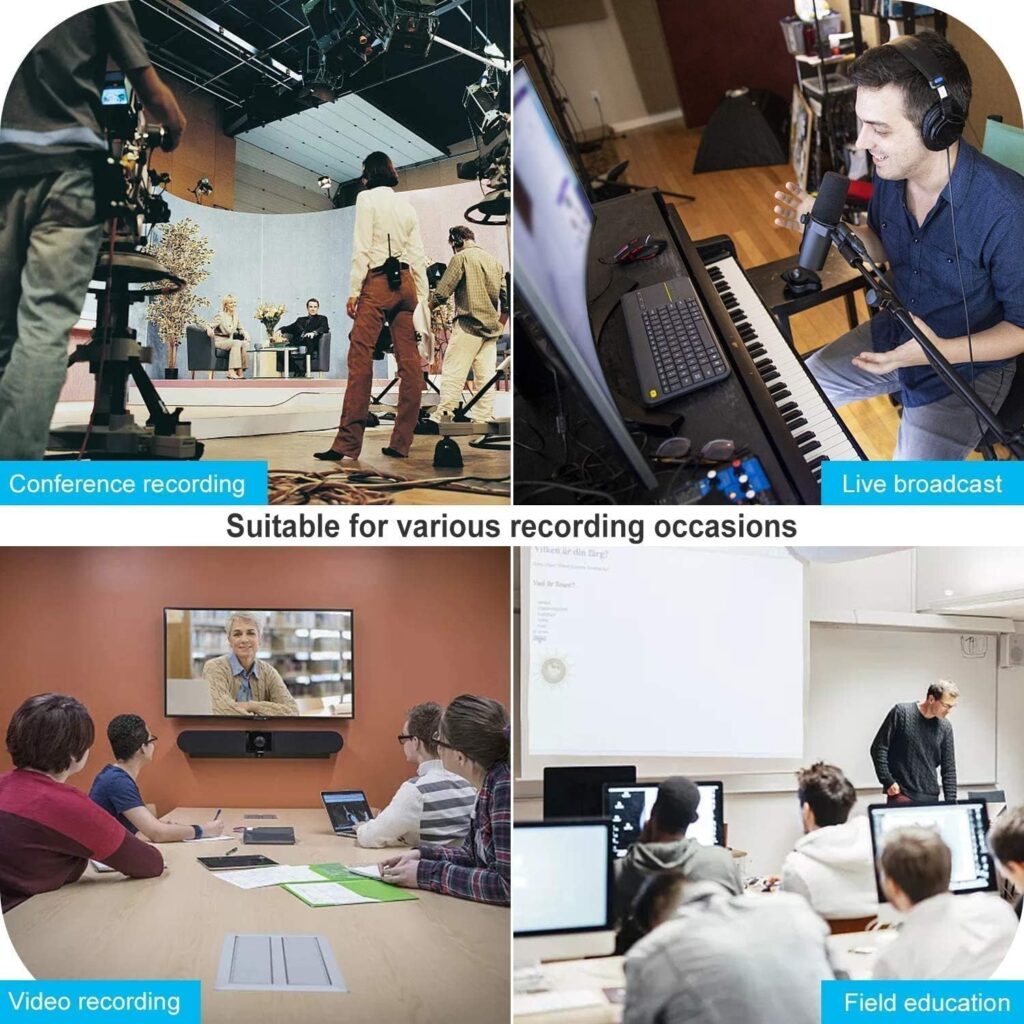
The HDTV Video Capture card is lightweight, durable, and portable, making it suitable for:
-
Home studios and professional theaters
-
Gaming setups and streaming stations
-
Classroom teaching and online courses
-
Field recording for mobile content creators
Its robust build ensures long-lasting performance while maintaining Full HD recording quality anywhere.
Technical Specifications of HDTV Video Capture
| Specification | Details |
|---|---|
| Product Type | HDTV Video Capture Card |
| HDMI Input | 1 |
| USB Output | 1 (USB 3.0) |
| Input Resolution | Up to 1080P |
| Output Resolution | Up to 1080P |
| Video Formats | YUV, JPEG |
| Audio Format | L-PCM |
| Supported OS | Windows, MacOS, Android |
| Compatible Software | OBS, VLC, Amcap |
| Power Supply | USB Powered, no external power required |
Key Advantages of HDTV Video Capture
-
Capture Full HD 1080P video with vibrant, true-to-life colors.
-
Works seamlessly with multiple devices and software.
-
Portable, lightweight, and durable, perfect for home or field use.
-
Ideal for gaming, streaming, teaching, professional recordings, and content creation.
-
Plug-and-play setup for hassle-free installation.
Customer Reviews
Only logged in customers who have purchased this product may leave a review.
Related Products
Reviews
There are no reviews yet.